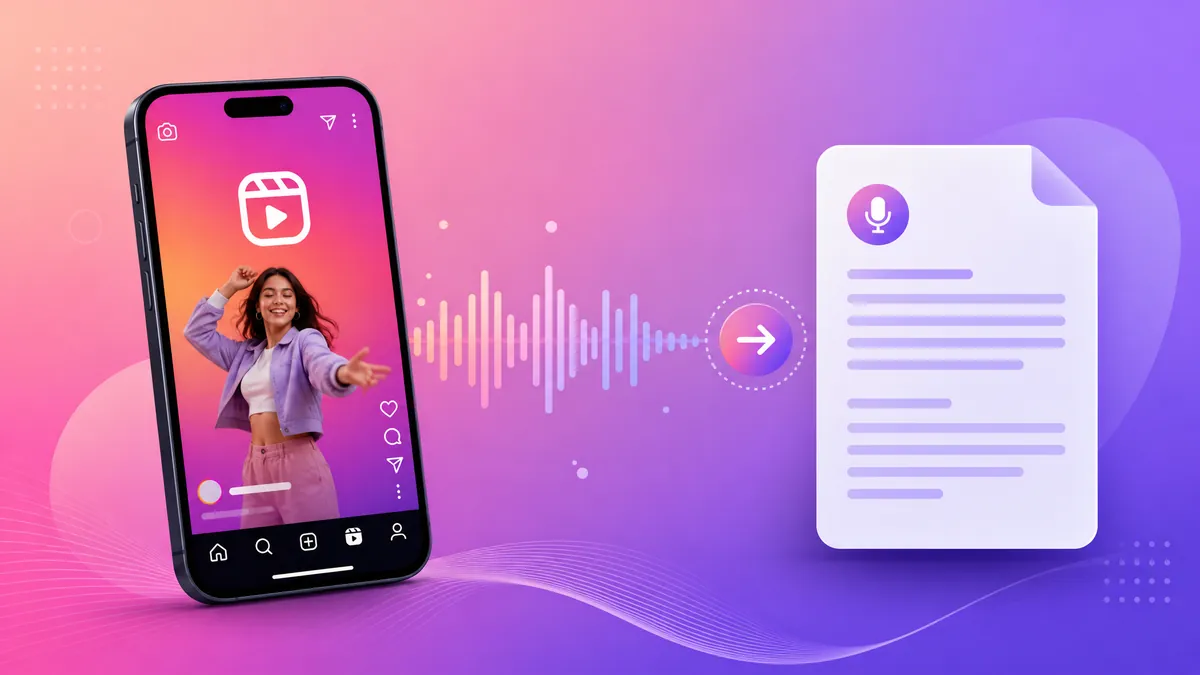
Quick answer: an Instagram reel downloader saves a public Reel as an MP4 file from its link. Open the Reel, tap the three dots, copy the link, paste it into the downloader and save. Works on phone and desktop. Private profiles are out of reach: the file is only available when the account is public and the Reel has not been removed.
People usually arrive here for one of two reasons. Either they want the video file — to keep a recipe, a workout, a tutorial, a clip they were tagged in — or they want the words in it, because the caption does not describe what was said. The first is a download problem and this page covers it. The second is a transcription problem, and the short answer is that you do not need the video for that: the audio link is enough.
What an Instagram reel downloader actually does
Instagram serves Reels as progressive MP4 files. Unlike YouTube, which splits video into short segments, a Reel is usually delivered as a single file behind a public address. A downloader reads the Reel page, finds that address and copies the file to your device.
That architecture explains both the strengths and the limits. Because the file is whole, downloads are fast and the quality is stable. Because the address is tied to the specific post, a link that has expired, a deleted Reel or a private account returns nothing — and no tool can produce what the server refuses to send.
Different tools handle the same job in different ways:
- Web downloader — paste the link, choose the format, save. Nothing installed, works in any browser.
- App — convenient on mobile, but installs a lot of permissions for a single button.
- Telegram bots and messengers — quick, though the file travels through a third party and the messages stay on their servers.
For a handful of Reels, the browser page is the least invasive route. All of them return the same MP4, because they all end up requesting the same file.
How to save a Reel in MP4, step by step
- Open the Reel in the Instagram app. Tap the three dots at the bottom right and choose Copy link.
- Paste the link into the downloader. Leave the tracking parameters; the tool strips them and reads the post identifier.
- Pick MP4. Some tools also offer audio extraction — useful if you want only the sound.
- Save and open the file. On iPhone, the file lands in Files, not Photos. On Android, it lands in Downloads and shows up in the gallery after a media scan.
If the Reel is in a carousel, copy the link of the specific item, not of the whole post. The downloader reads the first video it finds by default, and that is not always the one you want.
Reels, Stories, feed videos and photos
The same technique covers more than Reels, and it helps to know what changes between them:
| Content type | Downloadable | Notes |
|---|---|---|
| Public Reel | Yes | MP4, usually with audio and no watermark |
| Public feed video | Yes | Same file structure as a Reel |
| Story, public account | Usually | Stories expire after 24 hours; after that the link dies |
| Photo post | Yes | Saves the JPG, not an MP4 |
| Carousel with mixed media | Per item | Copy the link of the individual item |
| Private account | No | Requires a session the downloader does not have |
| Deleted or archived post | No | The address stops resolving |
A useful habit: save the file the same day you need it. Stories vanish after a day, and a Reel the author archives takes its link with it. Downloading is not a permanent archive of someone else profile.
Private profiles, region blocks and broken links
Three failures look identical and have different causes.
Private profile. The Reel is visible to followers only. Any request without a logged-in session is redirected to the login wall. There is no legitimate downloader that opens it, and the tools that claim to are harvesting credentials.
Removed or archived Reel. The post identifier still exists in the URL but returns an empty page. Nothing to fix on your side.
Link copied from the share sheet instead of the post. Instagram sometimes shares a profile link rather than the post link, especially from a story sticker. The downloader then finds no media. Open the post, use the three-dot menu and copy again.
A fourth case is worth naming: the download works but the file has no audio. That happens when the Reel uses a licensed music track that Instagram mixes on the client side. The video track downloads; the audio layer does not come with it. Nothing in the downloader is broken.
Quality, audio and the watermark question
The file you get is the file Instagram serves: 720 by 1280 pixels in most cases, 1080 by 1920 on newer uploads, H.264 video and AAC audio. There is no higher version to fetch, and upscaling produces a larger file with the same detail.
Watermarks are a separate matter. Instagram itself does not stamp a watermark on Reels; what you see is often the creator overlay, baked into the video before upload, and it comes along with the file. Tools that advertise watermark removal usually re-encode the video, which softens text and edges. If the watermark matters, the honest fix is a different source, not a re-encode.
Re-uploading someone else Reel is where copyright problems start, and downloading does not change that. Saving for reference, for a private study collection, or your own content is the ordinary use. Re-publishing under another account is not.
When you only need the audio as text
A large share of Reels searches are really about speech: a class recorded in clips, a step-by-step recipe narrated, a client testimonial, a doctor answering questions. Watching the file again to take notes is the slow path. Transcription turns the Reel into searchable text with timestamps, and it works from the same link.
That is what transcreve.ai does: you paste the Reel link, the service extracts the audio and returns text. Our Portuguese tutorials on downloading Reels in MP4 and on saving Instagram videos, Stories and feed cover the download side in more detail, and the Instagram video download page handles the file in one step.
Before you trust a downloader with your link
- No login, no password. A downloader that asks for your Instagram credentials is a credential harvester.
- No install for a single Reel. A web page cannot read your device; an app can.
- Format list visible before saving, MP4 and audio separated.
- No CAPTCHA loop. Endless verification usually means the tool is being rate-limited by Instagram itself.
- Clear statement about private accounts. Any promise to open one is a red flag, not a feature.
Keeping a collection without drowning in filenames
Saving one Reel is trivial; saving forty is a filing problem. Instagram gives the file a generic name, and two months later nobody remembers which clip came from which account.
Three habits solve most of it. Name the file with the account and the topic, not with the date Instagram assigned. Keep a single folder per project instead of scattering files across Downloads. And when the Reel is reference material rather than a video you will watch again, transcribe it and delete the MP4: the text takes a fraction of the space and is the part you will search later.
For batches, look at the file sizes before you start. A minute of 1080p Reel is typically 8 to 15 MB; forty clips is under 600 MB, which fits on any phone. What usually breaks the process is not storage, it is a link that has already expired halfway through the list.
Frequently asked questions
Can I download a Reel from a private Instagram account?
No. A private Reel is served only to accounts that follow the profile, and a downloader has no session. Tools that promise otherwise either ask for your password or deliver nothing.
Does the downloaded Reel come with audio?
In most cases yes, because the file Instagram serves includes the audio track. The exception is a Reel whose music was added inside the app from the licensed library: that mix is applied at playback and may not be part of the downloaded file.
Where does the MP4 go on my phone?
On iPhone it goes to Files, under Downloads; on Android it goes to the Downloads folder and appears in the gallery after the media scan. Neither needs an app to open it.
Is downloading a Reel the same as reposting it?
No. Downloading creates a private copy; reposting publishes someone else work. The rights stay with the author, so the safe uses are personal archive, your own content and material you have permission to reuse.
Can I get the text of a Reel without downloading the video?
Yes. Paste the Reel link into a transcription service and the audio becomes text with timestamps. It is faster than downloading, playing and typing, and the text is what you can search and quote later.